PAMS Product Search
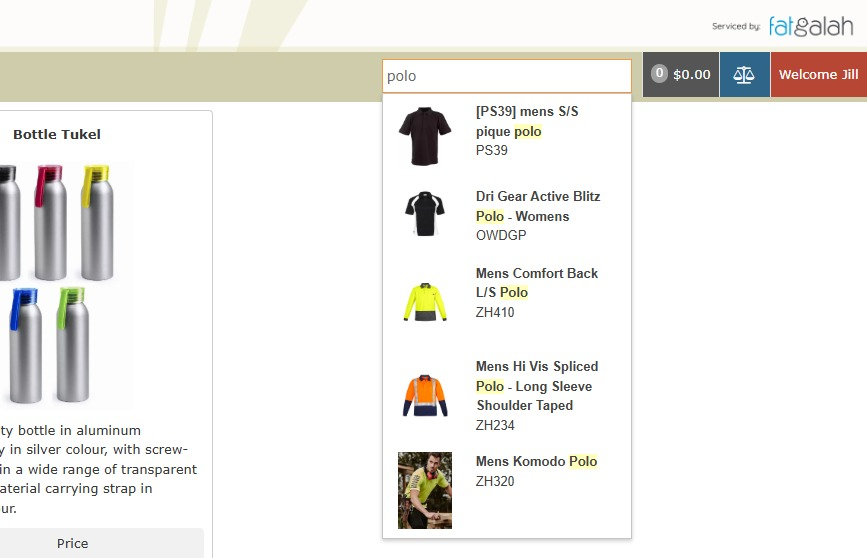
A new feature has been added to the staff interface toolbar!
You can now search for a product by its title or SKU directly from the toolbar.
How to enable this feature:
- Navigate to the Style Tab.
- Open the Base Tab.
- Toggle the option "Do you want the search bar to show up?" to turn it on.

Enjoy a faster and more efficient way to find products!
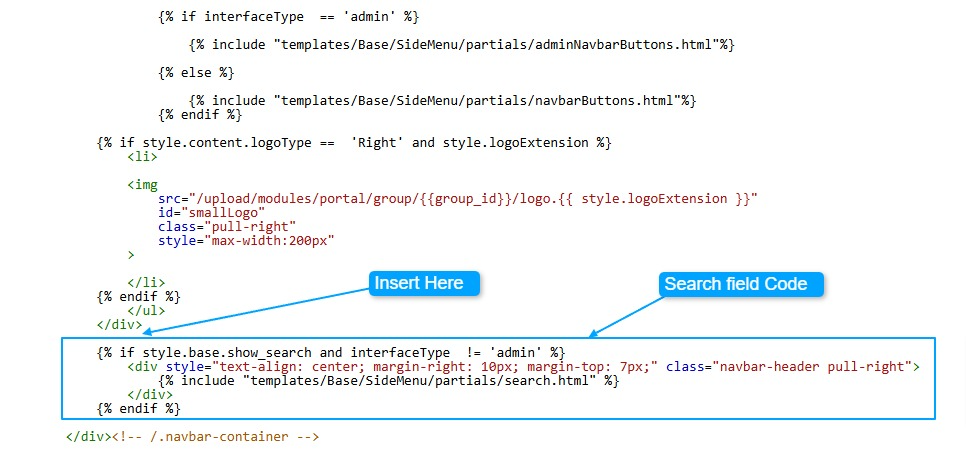
Insert the following code as per image below
{% if style.base.show_search and interfaceType  != 'admin' %}
   <div style="text-align: center; margin-right: 10px; margin-top: 7px;" class="navbar-header pull-right">
     {% include "templates/Base/SideMenu/partials/search.html" %}
    </div>
{% endif %}