Enable Two-Factor Authentication
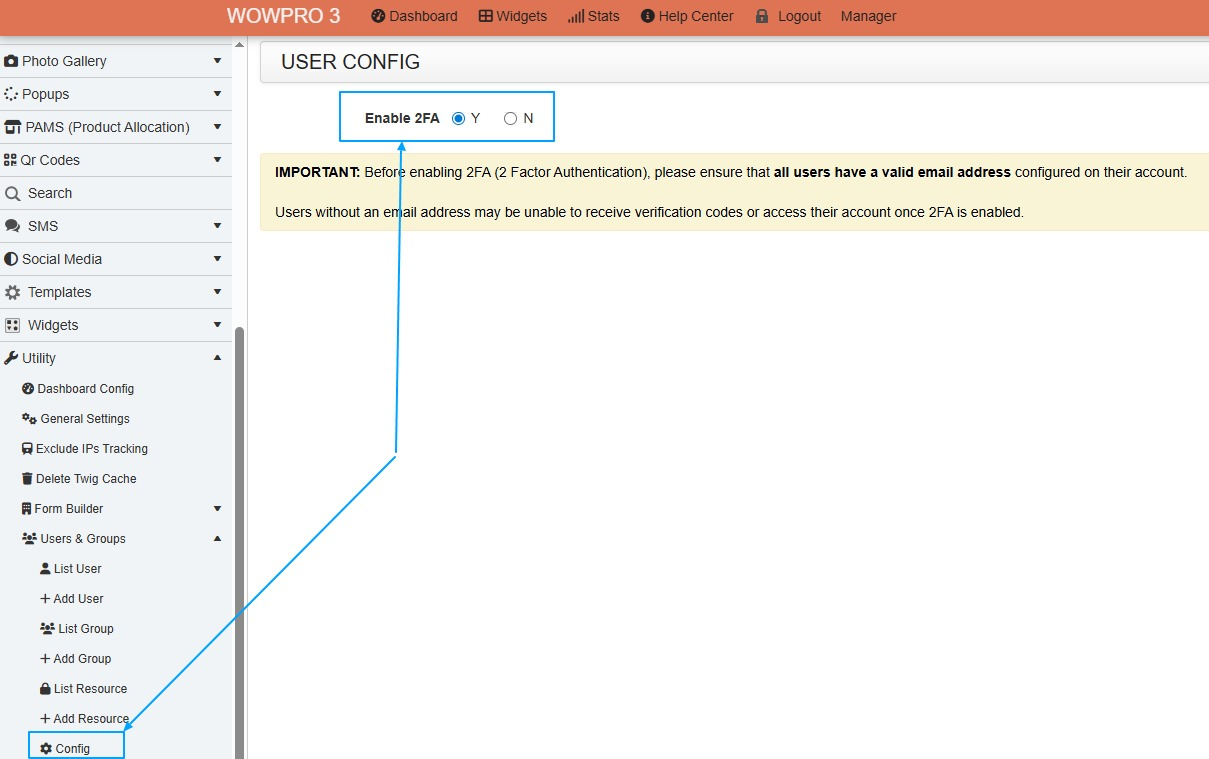
To enable 2FA, go to:
Utility -> Users & Group -> Config
Before enabling 2FA, ensure that all users have a valid email address configured in their user profile, as email is required to send the 2FA verification code.
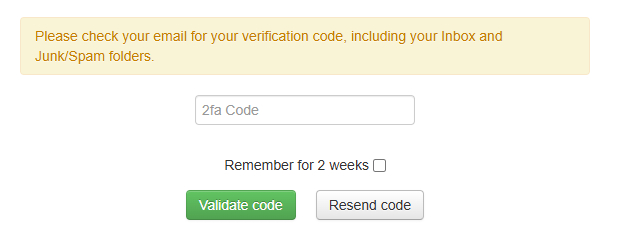
You can also configure WOWProV3 to remember trusted devices and not require 2FA again for up to 2 weeks.
Once you have gone passed the login screen the 2FA screen will appear
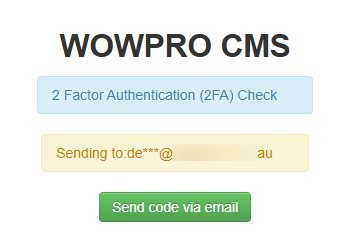
Once you click on “Send code via email”, you will be taken to the next screen.
Enter the verification code that was sent to your email address to complete the login process.