Checking Email Delivery
To help identify where the delay is occurring, you can check whether the emails have arrived on the mail server by following the steps below.
Please note: These steps only apply if your emails are hosted by FatGalah. If your emails are hosted by another provider, you will need to contact your email hosting provider for assistance.
Step 1 – Log in to Webmail
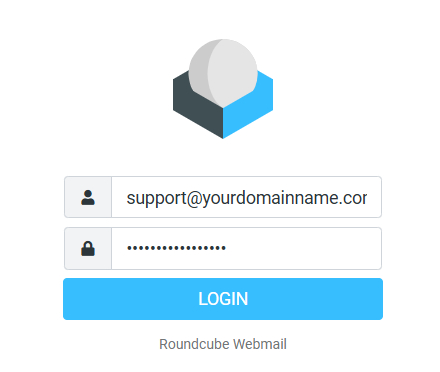
Open your webmail address in a browser and log in using your email account details.
Example Webmail Login Details
- Login address: webmail.yourdomainname.com.au
- Username: Your full email address, e.g. support@yourdomainname.com.au
- Password: The password you normally use to access your email account.
Note: The webmail address may vary depending on your email hosting provider.
Step 2 – Check if the email has arrived
Check your inbox in Webmail to see if the email has arrived.
- If the email is there, it has reached the mail server.
- If the email is missing, the delay may be occurring before it reaches the server.
Step 3 – Check your computer
If the email is visible in Webmail, open your normal email program on your computer and check if the same email appears there.
- If the email is in Webmail but not on your computer, the issue may be with your email program or its connection to the server.
- If the email appears in both places, it has been delivered successfully.