Google XML Sitemap
How to add Google XML sitemap to Google Search Console.
Note: That once linked, there is no need to update, as the XML sitemap has instruction to Google to return on any changes made.
Step 1.
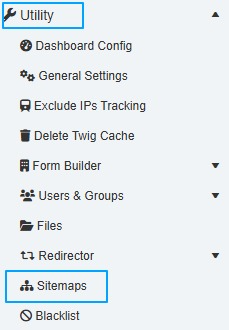
In the admin goto Utility -> Sitemaps
Step 2.
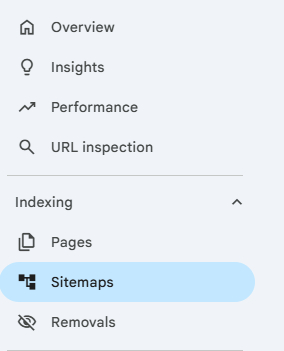
In another browser tab open you Google Search Console and navigate to Indexing -> Sitemaps
Step 3.
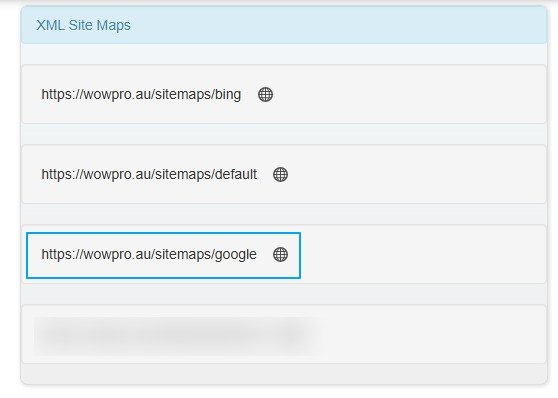
Copy the sitemaps/google into the sitemap field, as per the image below. Then click Submit

It will take a couple of days for google to start indexing your website.