How to deal with SPAM in your Email Logs on the website
There are a couple of ways to handle SPAM.
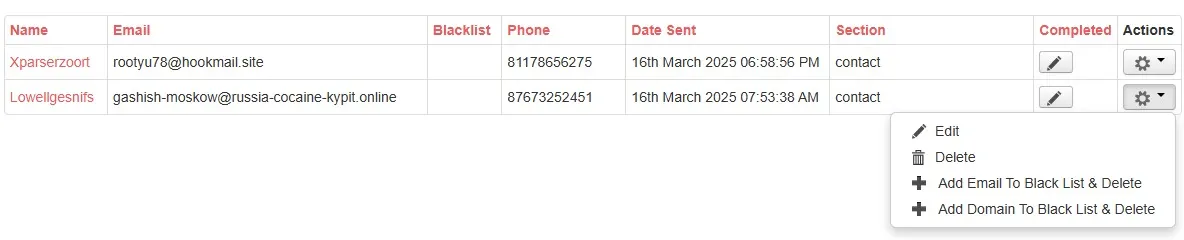
- Delete
- Add Email to Blacklist & Delete
This will put the email address into the blacklitst and delete all emails with the same email address - Add Domain to Blacklist & Delete
This will put the domain name into the blacklitst and delete all emails with the same domain name
This is available in the list and edit views of the eMail Logs.
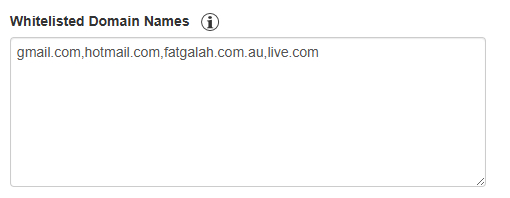
If only the Delete and Add Email to Blacklist & Delete are listed, this is due to the domain name being whitelisted.
For example: julieRound@gmail.com
gmail domain is whitelisted, so only Delete and Add Email to Blacklist & Delete will show as delete methods.
To stop accidentally adding domains in, you can go to Email Form Settings and add the domain to the Whitelisted Domain name.
This is found under Utility -> Email Log Settings